










Get the latest product updates, ask technical questions, and learn best practices
Recently active
So you want to audit your devices that haven’t been connected for a long time, but you’re not prepared to delete them yet and just want to move them to their own group? Currently you can do this on the devices page by sorting by Last Disconnected Date and selecting devices to Assign to Group. However, this can become unwieldy if you have pages and pages of devices to move. This script automates the move using an API call to check the last disconnected date and move any devices older than the number of days you specify in the code. There are five areas in the code you’ll need to update to get the script to function: $orgID = 'YOUR_ORG_ID' - put your Org ID, which can be found by looking at the URL of your console and selecting the value after the “?o=”: https://console.automox.com/dashboard?o=999999 . In this example URL the Org ID is the 999999 portion. $apiKey = 'YOUR_API_KEY' - in your console, go to Settings->API and select the API key. Note that the API key is per admin u
Hi there, Basically what I’m looking for is if the automox api has any options to update an automox group with the machine you are currently on? Scenario: IT Images a machine, goes through their post install script(s) now they need to manually go into automox and add the new host to the proper group. What would be ideal is during a post install script that we can pull the hostname of the machine and use it to update what group the machine is in in automox. Would this be possible or do we currently have to have the host ID found in automox?
https://support.automox.com/help/week-in-review-release-notes-for-week-ending-12042020
Hi Automox Support, Good Day. We are adjusting our automation to ingest the /servers into an auxiliary table. The automation does not know the size of the of the entire record set from /servers. For example, we are trying to return 7500 servers to iterate through. So we have to set an arbitrary number of iterations of number devices divisible by 500. Are there any examples on how Automox would recommend iterating through API calls, with more than 500 records returned? Thanks in advance. Chuck @habrnero
It’s an exciting time at Automox with a ton of growth now and through 2021. We are actively hiring for roles across the business, from Accounting, Software Engineering, to Infrastructure. Take a peek at all our open roles here and if you’re feeling inspired please share them with the talented people you know. Check back often because we add new roles every week. Thank you for sharing the Automox love!
Hi We’re implementing automox but don’t want SQL patches to be installed. This is managed by our SQL contractor. Is it simply a case of doing a “Patch Except” policy then in the filter search “SQL Server” then ticking the everything “SQL Server” box? If so does this mean that future released SQL server patches would also be excluded?
Go to Group Editor in the console. Select a bunch of computers Move them to a group Select another bunch of computers Move them to a group You’ll notice in #5 that the computers in #2 also appear in the list of computers to be moved.
Hi all, Still trying to figure out Automox, but is there a way to poll for new updates, or install an update that doesn’t show in Automox. My specific example is my company uses Quickbooks, and the file is accessed by multiple computers, and the file doesn’t like when it’s opened by different versions. I had an instance today where someone tried to open the file with an “older”’ version of QuickBooks and it threw an error. Automox did not offer me an update, so I had to remote in and open the program and update it that way. Is there a way I can specifically add QuickBooks updater to Automox
I’m trying to figure out how to automate patching. We have certain servers that need to reboot if certain other servers reboot. My first thought was simply WMI calls or Invoke-Command -ScriptBlock type scripts, but as the scripts are run as local SYSTEM, it has no authority to query network computers. The only other thing I could think of would be to run a script on one server, and based on the results of that script, launch a script on a different set of servers. Is this possible to do in Automox?
https://support.automox.com/help/week-in-review-release-notes-for-week-ending-11252020 Bug Fixes: Fixed a bug that caused the new manual approvals dashboards to show too many results. (11/24) Have a nice break for those in the USA!
Hello fellow Automoxians. Has anyone out there had luck installing the agent on Arch Linux? I have one user who uses it and I’d like to get his laptop under the Automox Umbrella.
So I am still fairly new to using AutoMox, but can someone explain to me why it is showing all the old versions of Microsoft office as a pending update. Before the dashboard was redesigned I would just see the latest one, but now it is doing this for chrome and other apps as well. What happens if I just approve all of these? I know it is not for separate computers as I only have 2 setup right now. Do I have to hunt through and find the latest version of each program and then reject all the other versions, or am I missing something? Thanks in advance. Screen Shot 2020-11-23 at 1.31.32 PM2664×402 62.4 KB
You asked for it! One of the top security requests we’ve received is the ability to enforce Two-Factor Authentication (2FA) across an entire organization. Given the nature of the service that Automox provides, the need to protect data and access and reduce liability through security protocols is critical. In the spirit of controlling Automox console access as tightly as possible we are now offering enforcement of 2FA, not just enablement, to ensure all users in an organization are on the same level of security for compliance and peace of mind. We’re targeting a release in early December and will have additional details including feature documentation available. CC: @ncolyer
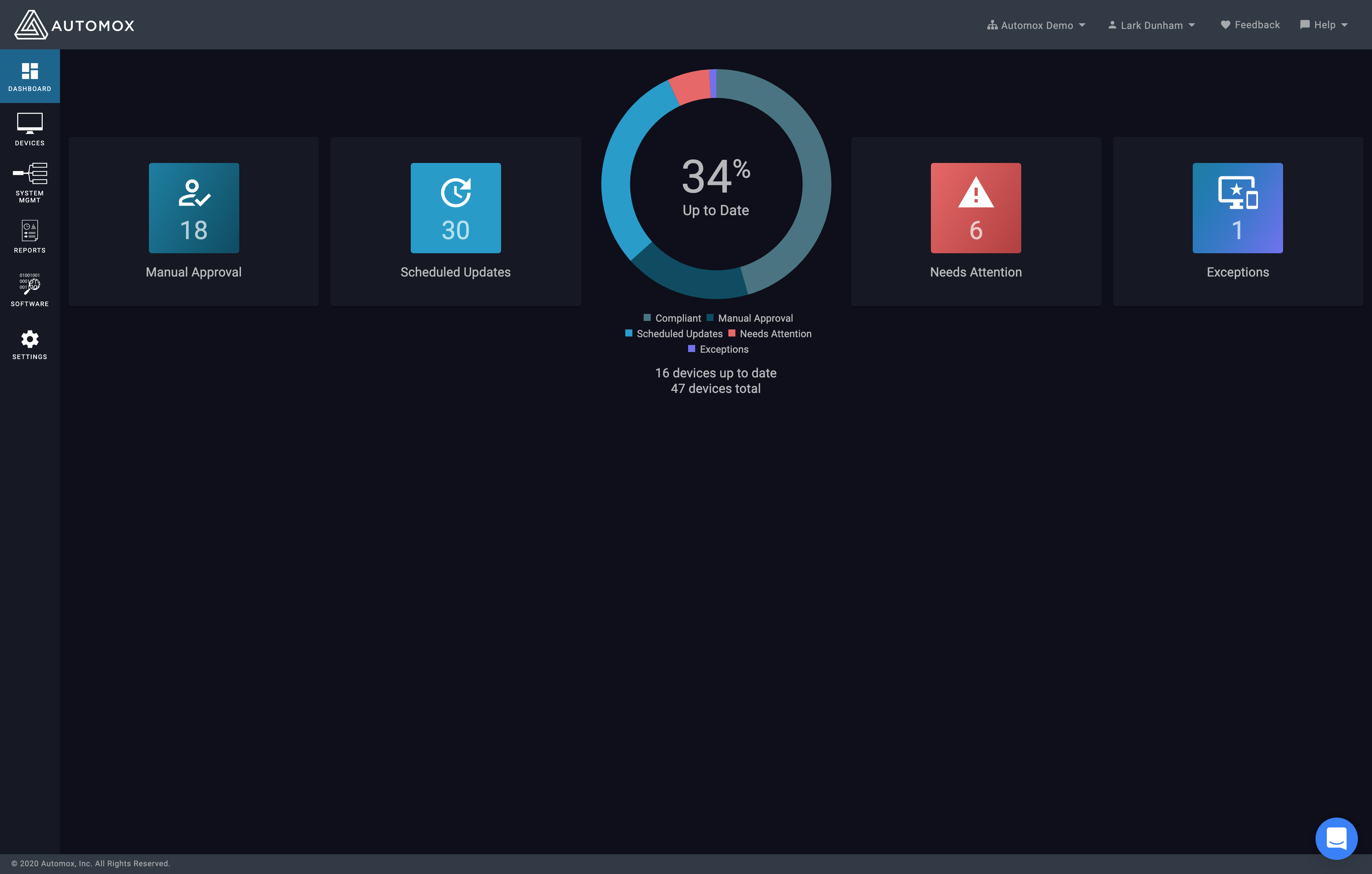
Today we released a new version of the Dashboard. The colors have been updated and there is a new workflow for manual approvals. screencapture-console-automox-dashboard-2020-11-19-15_08_403888×2478 510 KB We’d love to hear what you think - provide your feedback in this thread!
Has anyone run into an issue with when Automox installs an OS update in OSX, that after the system reboots with the staged update, it brings the user to a screen where they need to choose a system drive? This has been happening for me with some of our systems installing the 10.15.6 supplemental updates. If I do the update using the regular OSX update tool, everything works fine. If Automox installs the update, the user sees these screens: Image from iOS (3)4032×3024 1.58 MB Image from iOS (2)4032×3024 1.09 MB On the first screen, if you click on update, you get the 2nd screen saying an error occurred. If you click on startup disk, you get only 1 choice…the system disk, and then it asks for the users password and the update installs fine. So it seems like its an issue with filevault unlocking the drive after the reboot any ideas?
Our team is looking for some feedback around device attributes and group configuration. All you need to do is take a quick survey here and leave your thoughts. Thanks for your help!
Just wondering if there are others out here that have internet access disabled for servers and are having trouble getting windows updates allowed. We are struggling with this and notice an inconsistent Automox experience because of this. We have allowed almost every known URL of windows updates and the packages URL of Automox but just wondering how you are handling this.
Context: I have this script that edits local GPO for a specific usecase I have. When run locally the script runs fine, makes the changes to the local GPO and ends. When running in automox the worklet reports it ran all the way through, but when checking the machine itself it does not actually change anything. Any ideas on what might be causing this? Script: #Set Execution policy to allow for 3rd party modules Set-ExecutionPolicy Unrestricted -Force #Instal NuGet which is needed for PolicyFileEditor Install-PackageProvider -Name NuGet -MinimumVersion 2.8.5.201 -Force #Install PolicyFileEditor Install-Module -Name PolicyFileEditor -RequiredVersion 3.0.1 -Force Import-module -Name PolicyFileEditor #Designate the User's local group policy directory $MachineDir = "$env:windir\system32\GroupPolicy\Machine\Registry.pol" Get-PolicyFileEntry -Path $MachineDir -All #Enable Deny write access to removable drives not protected by Bitlocker $RegPath = 'System\CurrentControlSet\Policies\Microso
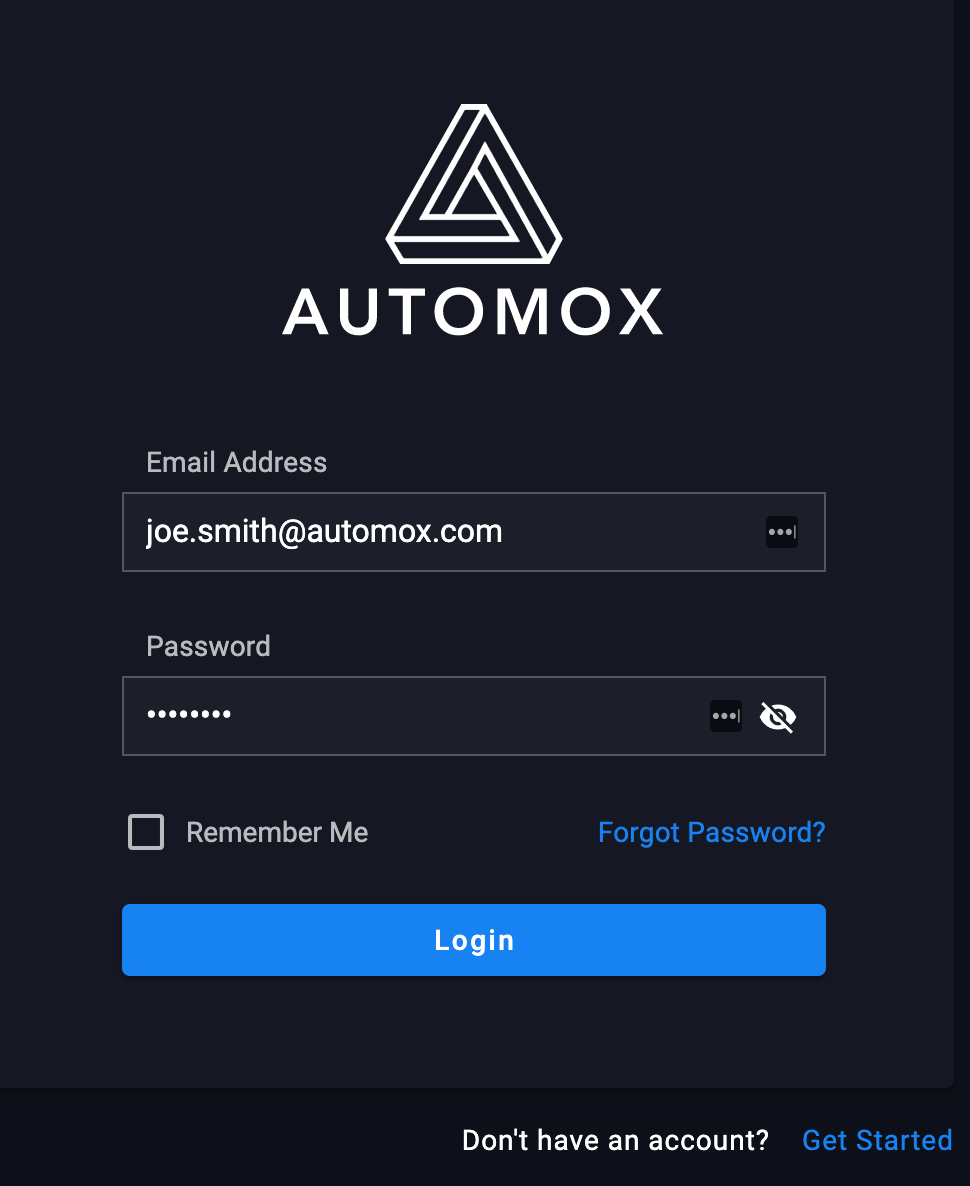
Today we released an updated login and password pages, the new design has an updated logo. 3iM02kMFFP5y_kRm9ZM3eV4XVdNUNFurpN2aF4Fge-4EhAjmoGSpLofHxYHLpf32AEGdVeot0OcMlhS735ai6Lr4nwCEDWvTTBcEoP3yFS7N667saAqCIT-f1KZeayMrqpdbN0pA970×1186 43.5 KB We also addressed a bug with the code editor where overflowing code was not triggering a horizontal scroll. As always, we appreciate your feedback!
As an MSP, we need the ability to notify our customers when their scheduled device group is complete. Looking to the community to see if anyone has accomplished what we’re looking to do! Currently, Automox has the ability to notify on an individual device basis, but not when an entire group is finished. This notification also does not discriminate between device groups or users, so if you subscribe to the notification, you get an email for every patch action for every device in the org vs a summary for the entire group when it completes. To work around this, we’ve abstracted the patch execution into a PowerShell GUI that allows us to execute the policy, automatically check the command queue every so often for each individual device until we can ensure patching is complete, and then automatically pull a summary of each device’s status (e.g. outstanding patches, reboot required) in the group, wrap it all up into a nice email and then send that to our customer’s email address based on whi
AX-Worklets-101-Graphic-1200x6271200×627 110 KB [Save your Spot] Curriculum: What is a Worklet? Automox Worklets Library - solutions that already exist! Common Uses Creating your First Worklet Instructors: @jay.goodman & @awhitman
https://support.automox.com/help/week-in-review-release-notes-for-week-ending-11132020 Bug Fixes Updated logic for reboot status with new deferred reboot feature (11/12) Resolved a bug with importing VMWare Horizon Client data (11/12) Enhancements Misc. infrastructure enhancements to increase performance There’s also been a good deal of prep work going in for the new facelift we’re doing on the Automox console. We’re excited to get the new web framework implemented on all parts of the website since it make new features/pages/etc. faster to implement in the future. More cool stuff to come!
A place for customer feedback about Automox
Hi, The software menu seems abit incomprehensible to me, in order to fix the recent 0day exploits to Chrome I had to manualy force “Patch Now” on Chrome. As you can see on the picture below (it was worse before patching yesterday) I get several lines with 1-5 devices based on the OS version and with several different OS versions the list gets long. It gets tedious to click “Patch Now” on all these, and hard to keep track of which you forced. Is it possible to get a submenu or something on the different softwares and force update on all affected devices at once, regardless of the OS Version? image1457×664 57.8 KB Kind Regards Tom Aril Virak
Hey guys, Wondering if there is a way a ‘Check device’ button could be thrown up with the ‘Scan’ and ‘Reboot’ buttons on the primary device search screen? Obviously the ‘Check Device’ name isn’t right but something that can produce the same functionality? image919×86 8.19 KB An example of use would be if you’ve decommissioned an old WSUS server and you would like to update devices in Automox to point to a new WSUS. A device seems to hold onto the previous Windows Update Server rather than update to point to a new host. The way I am able to fix this was to update the group policy to point to my new WSUS server and then hit the ‘Check Device’ which seems to update the local policy on a users machine (without forcing a gpupdate on their machine and interfering with a user’s day) Sadly running a scan against a device doesn’t remediate this either and its a pain if you have 100+ devices you need to update. So unless I’m doing something wrong here; anyone else have a way to bulk update? Ch
Already have an account? Login
No account yet? Create an account
Enter your E-mail address. We'll send you an e-mail with instructions to reset your password.