

AutomoxAutomox

OSX catalina updates going to choose drive screen

emjaydee
September 10, 2020 at 1:58 pm UTC

Has anyone run into an issue with when Automox installs an OS update in OSX, that after the system reboots with the staged update, it brings the user to a screen where they need to choose a system drive?

This has been happening for me with some of our systems installing the 10.15.6 supplemental updates. If I do the update using the regular OSX update tool, everything works fine. If Automox installs the update, the user sees these screens:
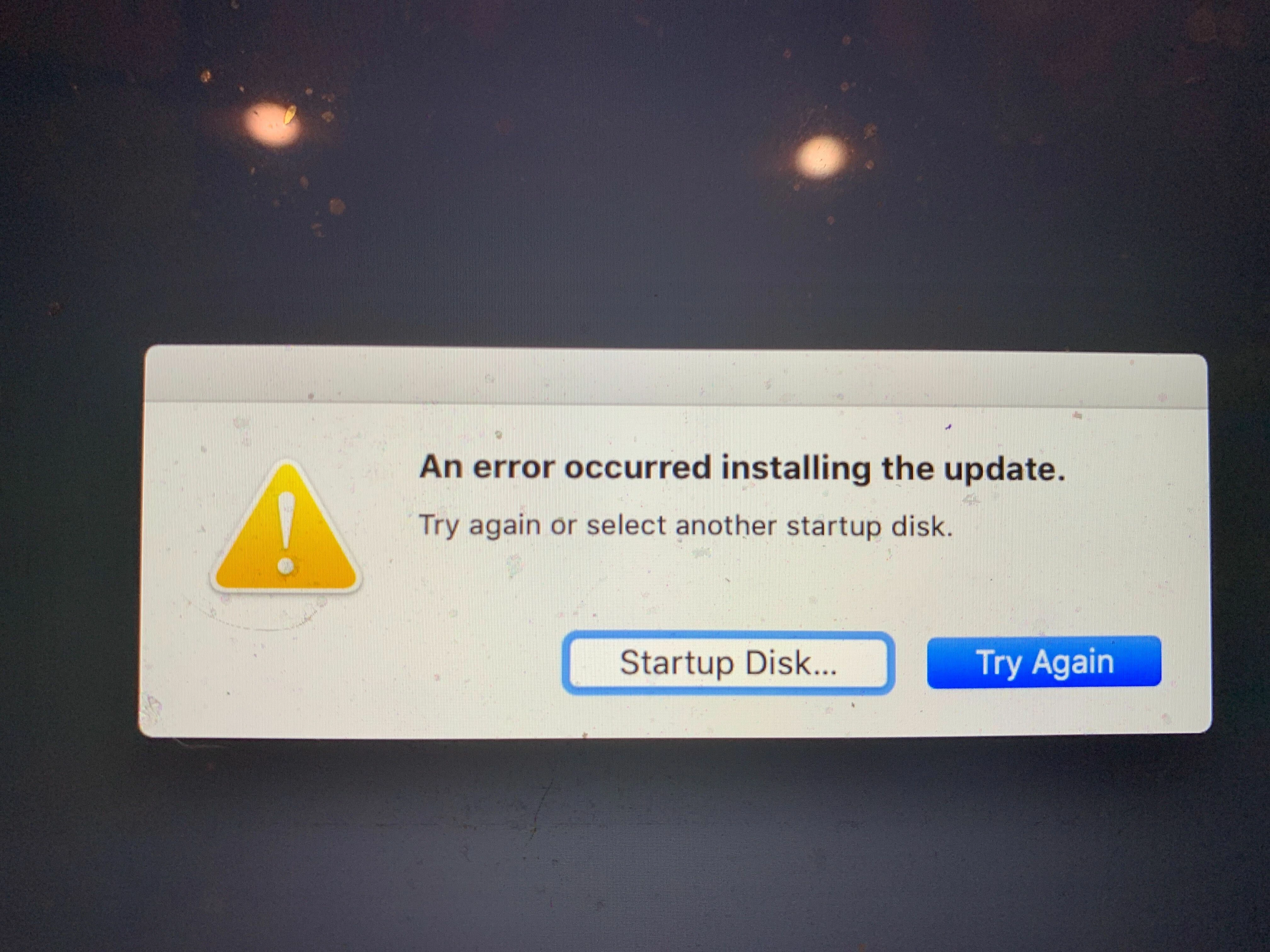
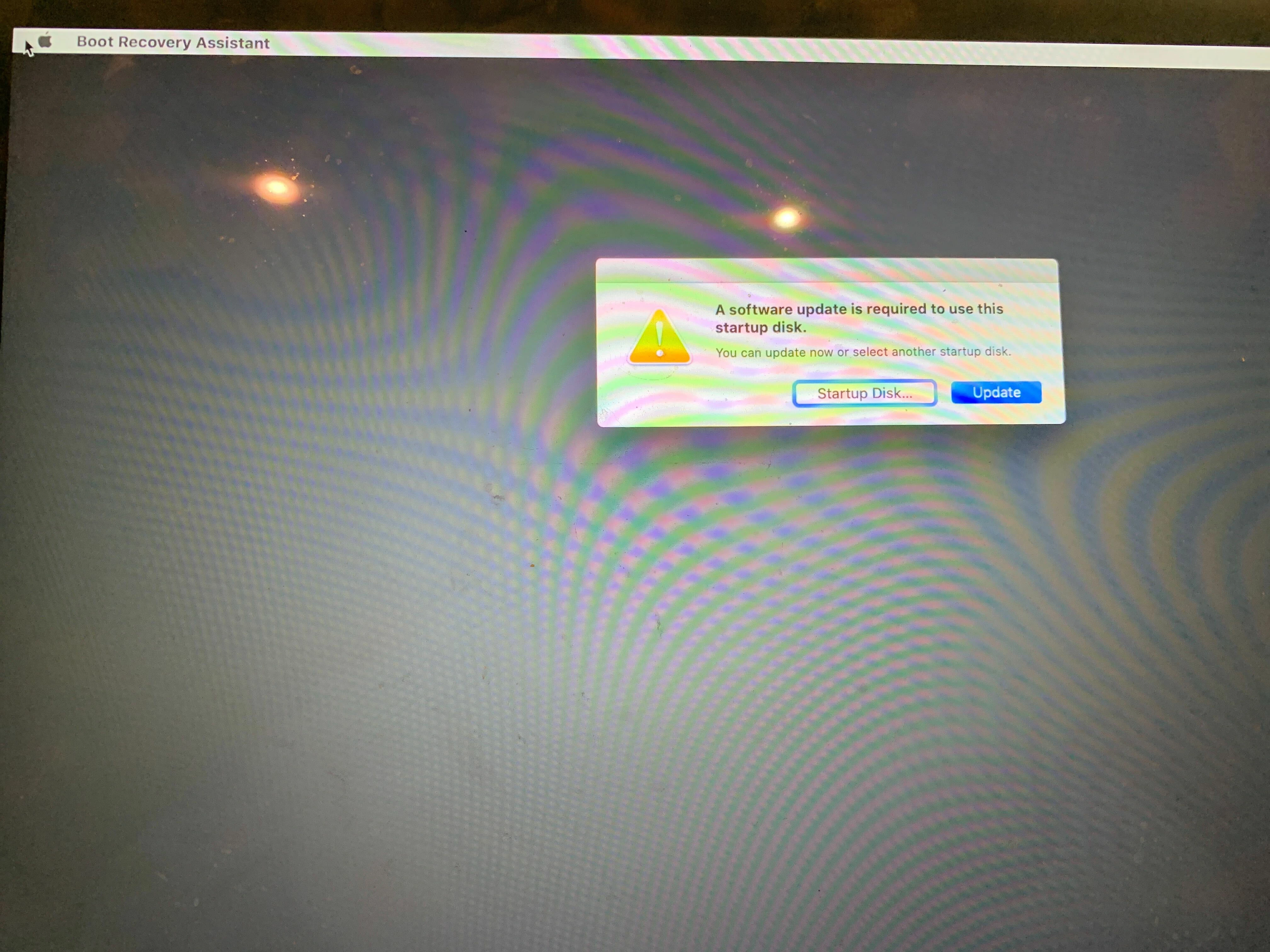
On the first screen, if you click on update, you get the 2nd screen saying an error occurred. If you click on startup disk, you get only 1 choice…the system disk, and then it asks for the users password and the update installs fine. So it seems like its an issue with filevault unlocking the drive after the reboot

any ideas?

This discussion is archived and closed to replies. Continue it in the Automox Community Slack.

Discuss on Slack

Replies (7)

Nic-AutomoxSeptember 10, 2020
#1

I had that happen to me, and we’ve had a bunch of machines here that had the issue too. Apparently it happens specifically with the T2 chipset, since it’s updating the firmware.

Here’s what worked for me. Rather than doing a reboot, run this command:
sudo shutdown -h now

You can push that out via a worklet if you have a lot of devices having the problem.

emjaydeeSeptember 10, 2020
#2

hrm ok. I have a worklet to manually prompt for deferred reboots outside of normal patching. I might try that in there and exclude the catalina updates from the normal patching policy. Thanks

Nic-AutomoxSeptember 10, 2020
#3

It’s not like those reboots are going to hurt anything, they just will have the same experience you documented above. For some reason doing a shutdown, waiting, and then booting it up again works where reboots don’t.

felix.gohSeptember 14, 2020
#4

@spetrov

That’s the one we had every now and then. Cause of problem is t2 chip…

TimL-AutomoxNovember 17, 2020
#5

Has anyone seen this behavior on the latest 10.15.7 update? There wasn’t a T2 firmware update included, so I’m curious if the problem still occurred. @emjaydee @felix.goh

Nic-AutomoxNovember 17, 2020
#6

I haven’t gotten that prompt again, so at least my mac is doing ok on that front.

felix.gohNovember 18, 2020
#7

stopped seeing that problem on my end