Question

Feature Request: Ability to patch all, but only if no reboot is required

  • January 27, 2026
  • 6 replies
  • 28 views

Forum|alt.badge.img

We are seeing multiple patches released a few days after our patching runs, especially third-party patches.

It would be quite helpful to automate this patching to run every day, but ONLY IF THE PATCH DOES NOT REQUIRE A SYSTEM REBOOT. Restarting the application would be fine in this instance.

Additionally, the other configurations like patch all except would need to be available for this too, as we, and many other organizations, have certain software that cannot be patched.

In a perfect world Automox customers would be able to schedule patches to run at their preference (daily, weekly, hourly); patch all software that does not require a reboot and exclude any software that cannot be patched due to organizational constraints.

I do not see this as an option, but it would be quite helpful in everyone's attempts to keep their systems secure and patched.

I would assume many other customers would appreciate this option as well.
 
Jeff
6 replies

Forum|alt.badge.img
  • Automox Employee
  • January 27, 2026

Hi Jeff,

I take ‘Only if the patch does not require a reboot’ to mean the 3rd party application should be patched but only if the application itself is not shutdown. If that is the case, I can introduce you to our third party best practice KB article:
https://docs.automox.com/product/Product_Documentation/Third-Party_Software/Third_Party_Patching_Best_Practices.htm?tocpath=Automox%20Console%7CManage%7CSoftware%7CThird-Party%20Software%7C_____3

This document describes the default application behavior when a patch policy runs.

Patch Only/Patch Except policies can be curated based on the applications you do/do not want patched based on their behavior.

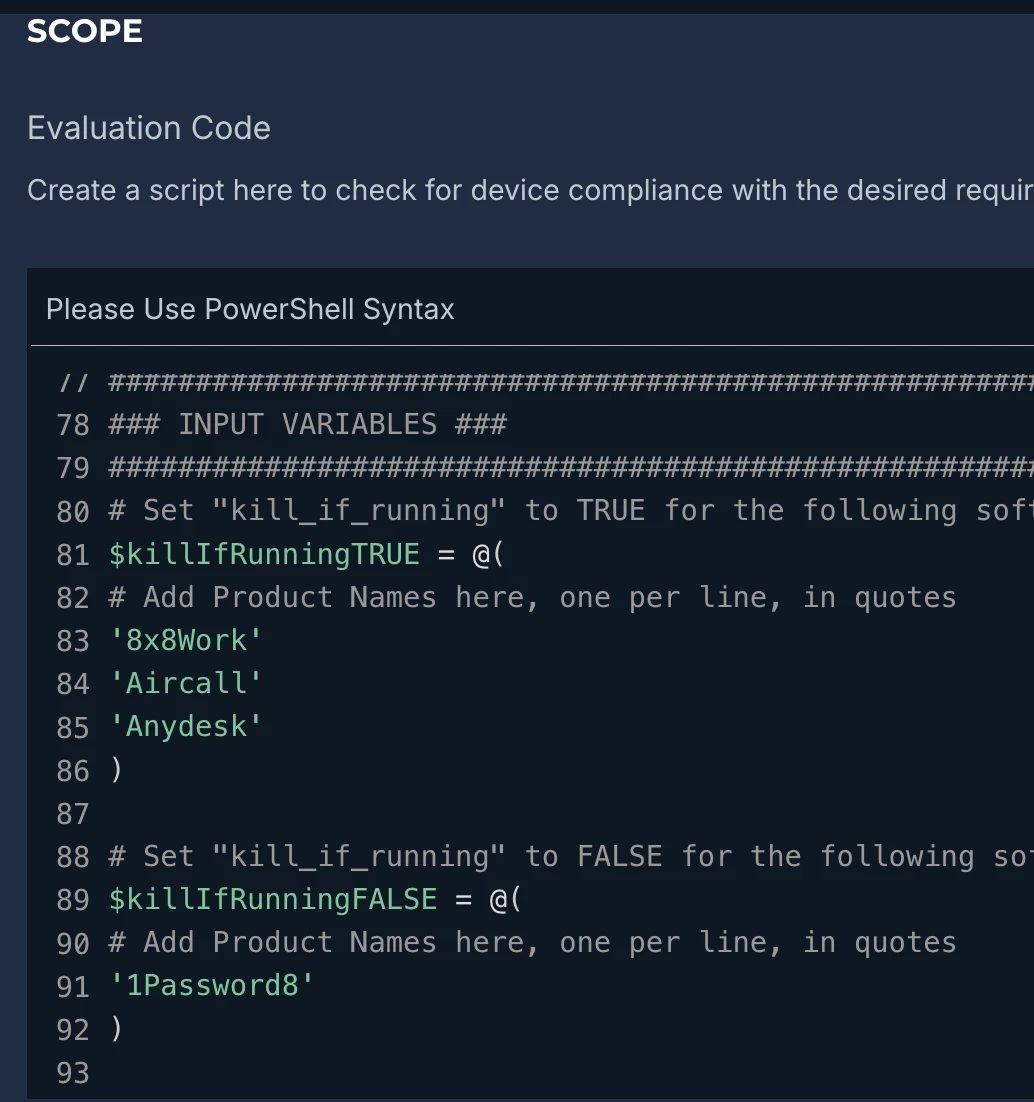
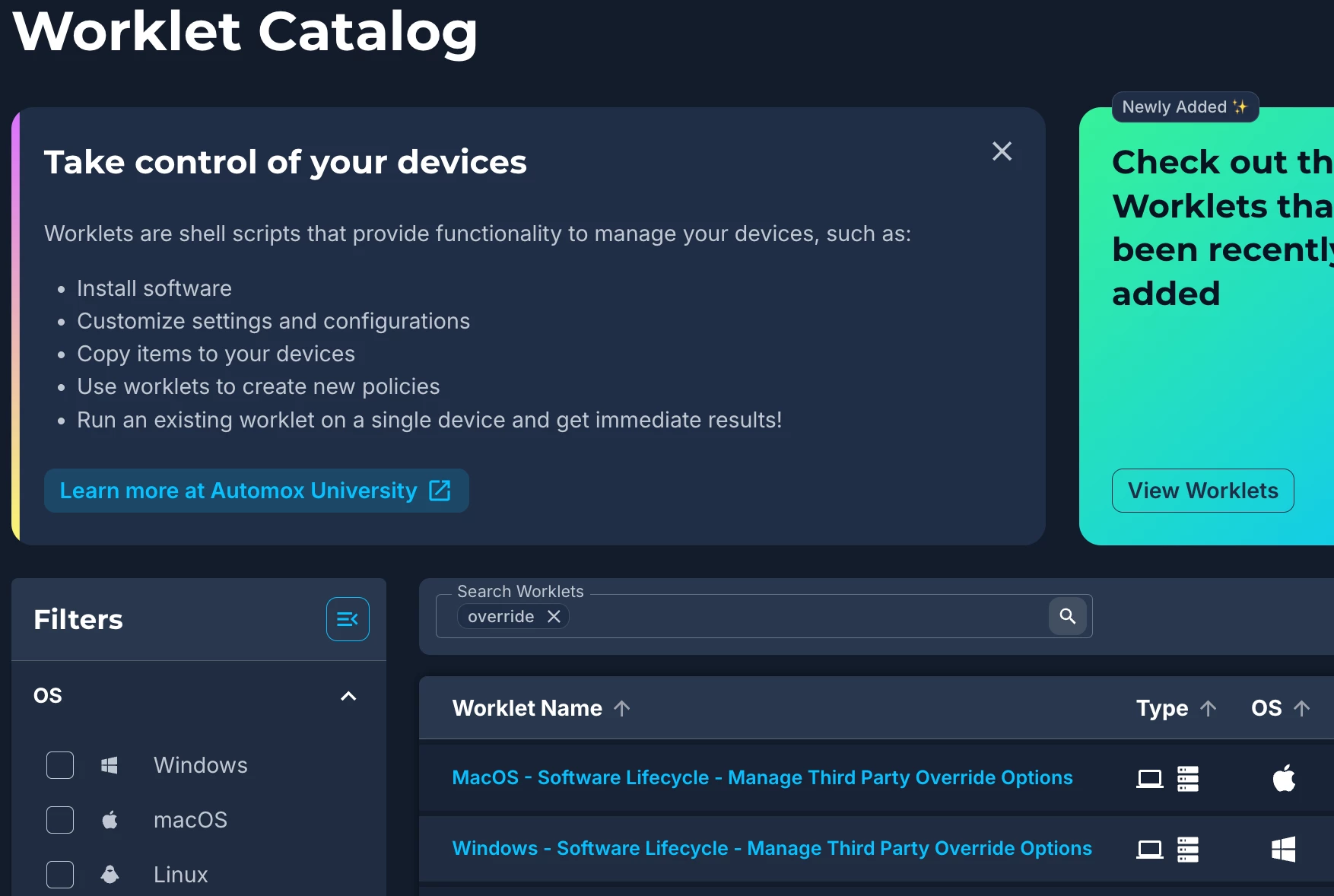
Additionally, the KB article has links to what is referred to as ‘Overrides’, which allow you to specify if the application behavior should deviate from default. This allows you to even control all your third party applications through a single policy, but if they are on the ‘do not shut down’ list, they will be skipped (or vice versa). You will find the override configuration worklets in the Worklet Catalog (also linked from the KB):
 

Where the configuration will roughly look like this when building them:


If there are any other questions or clarifications, don’t hesitate to reach out.

Regards,

Mark


Forum|alt.badge.img
  • Author
  • Rookie
  • January 27, 2026

Hi Mark,

Thank you for the very quick response. 

My apologies if I was unclear, by reboot I mean a system reboot/restart. Closing and restarting an application is not a concern is this case.


I have edited the request to reflect this.


Jeff


BrandonG-Automox
Forum|alt.badge.img

Hi Jeff,


Adding on to what Mark covered, we do have some best practice patching policy templates that should suit the need for patching third party software regularly, but without needing a system/device reboot.
We have a document with links that open in the Automox console called the Automation Maturity Playbook, which is found on Automox University, our free training portal.

If you want some hands on guidance on building a patch policy to suit your needs, then you can join the weekly Live Q&A webinar hosted on Tuesdays. We’ve got one going live today in about an hour (9am Mountain time). Registration is also through Automox University, so be sure to make a free login.

Cheers,
Brandon


Forum|alt.badge.img
  • Automox Employee
  • January 27, 2026


Thank you for the very quick response. 

My apologies if I was unclear, by reboot I mean a system reboot/restart. Closing and restarting an application is not a concern is this case.

I have edited the request to reflect this.


Hi Jeff,

In this case, what most clients opt for is a patch policy with auto-restart disabled. 

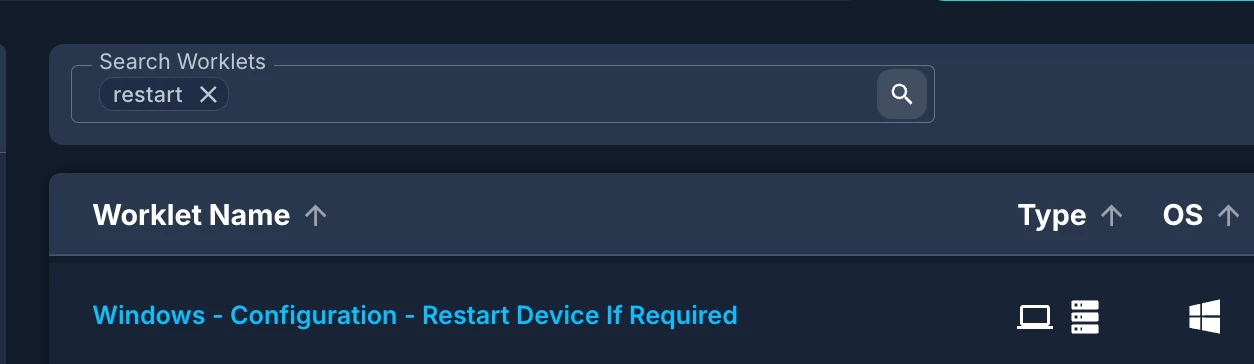
This can be paired with a Worklet which will only restart the device if required, which can be scheduled to coincide with your current reboot windows/expectations.
 

A patch policy which allows for a simple check mark to include/exclude updates based on OS restartability (is that a word?) would be beneficial however, and we can share this with our product team.

Let me know if the above gets you closer in either case to your desired state.

Regards,

Mark


Forum|alt.badge.img
  • Author
  • Rookie
  • January 27, 2026

Thank you Brandon,


I will look into these.


On the Windows servicing stack, there is no system reboot required?


On the Third-Party software patch can specific software be removed from the policy granularly? IE do not patch software A, B, D, X etc.


BrandonG-Automox
Forum|alt.badge.img

Hi Jeff,


Yes and yes. In short, the only policies that need a restart in our best practice templates are ones that scope for first-party operating system patches. So the Windows and MacOS policies with the 7 day delay, for example. All third-party related policies do not require system reboots.

You can scope policies to exclude certain software as long as its an Advanced policy type like our template for third-party software. Just hit the blue plus icon in the Package Targeting section and filter by Display Name - > Does Not Contain - > NameOfApplicationHere.


The policy for Web Browsers is a Patch Only policy, where there is an explicit list of items to be included. Anything on the right side column is in scope, so if you want to remove any browsers you could hit the red X. You can also use the Package Targeting search bar (be sure to check “Automox Supported”) to identify and add other browsers not on the list, like Brave or Island.


If you have further questions, you’re welcome to join the webinar and I can walk through it all live.


Cheers,
Brandon