Question

Rename a Folder in a User's Profile


Forum|alt.badge.img

Would anyone have a worklet that can rename a folder in a users profile, i.e looking to rename C:\Users\USERSPROFILE\AppData\Roaming\Microsoft\Signatures so the folder Signatures is renamed to SignaturesOLD

3 replies

Forum|alt.badge.img

Hi p.blakeley,

I had success with this Worklet, no eval code
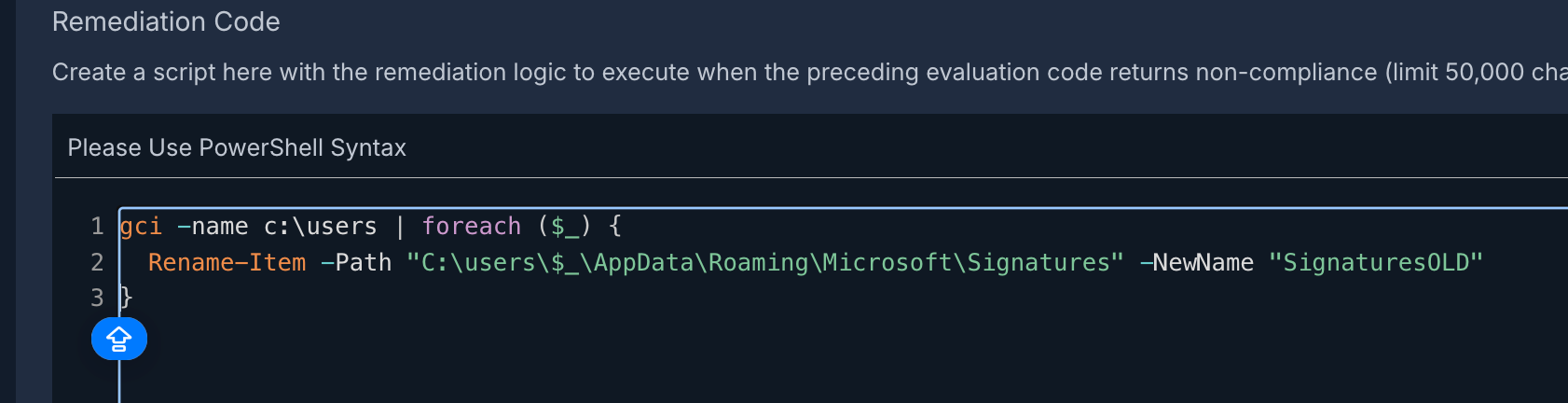
Remediation Code:

gci -name c:\users | foreach ($_) {
Rename-Item -Path "C:\users\$_\AppData\Roaming\Microsoft\Signatures" -NewName "SignaturesOLD"
}
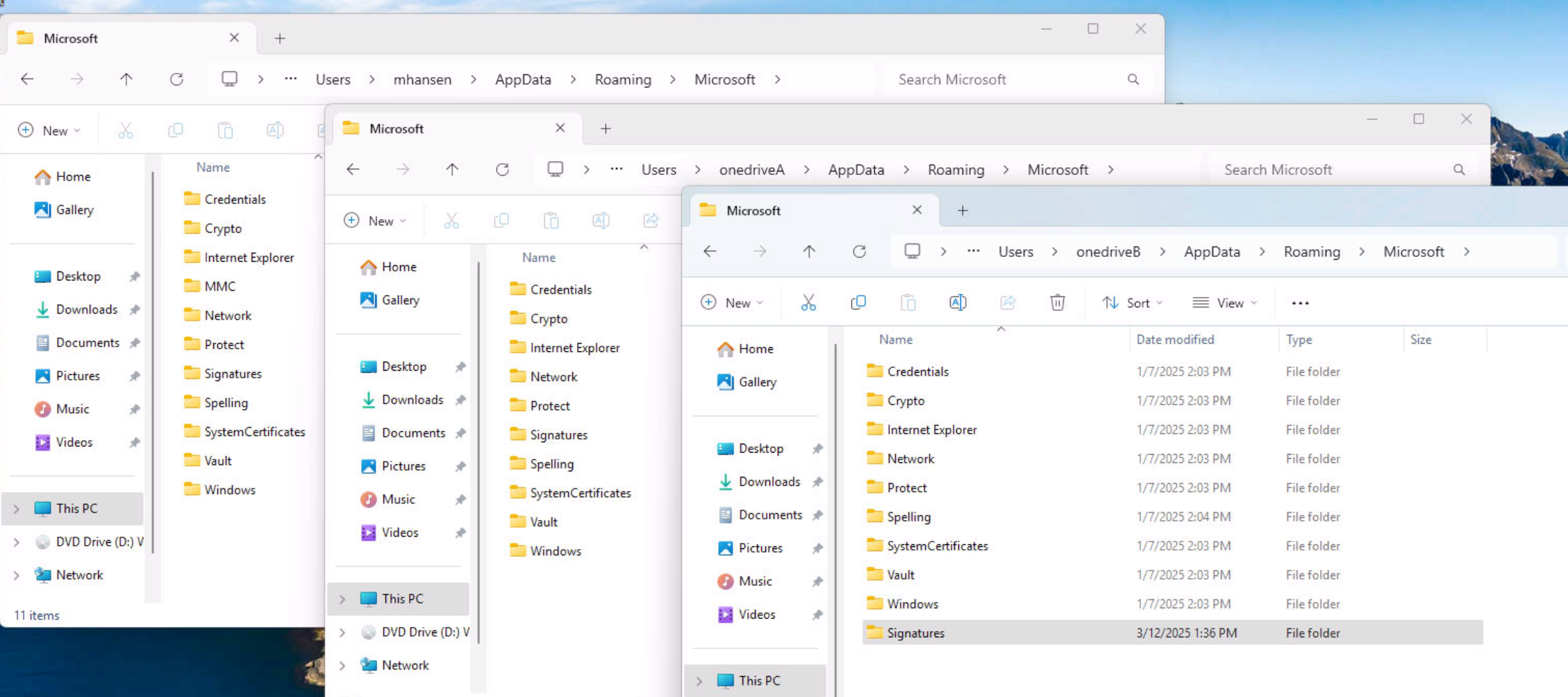
Pre-Deployment
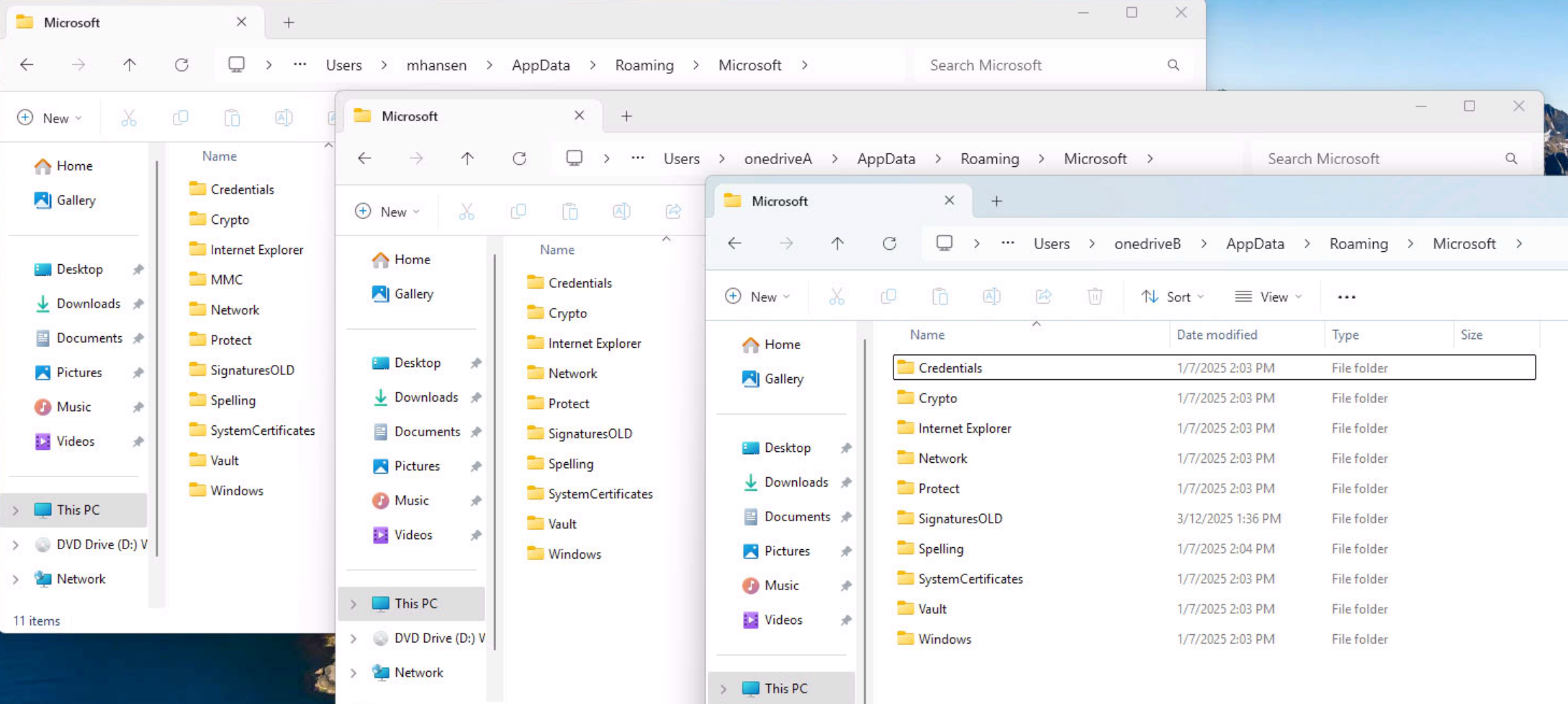
Post Deployment


Let me know if you have any issues.

Regards,


Forum|alt.badge.img

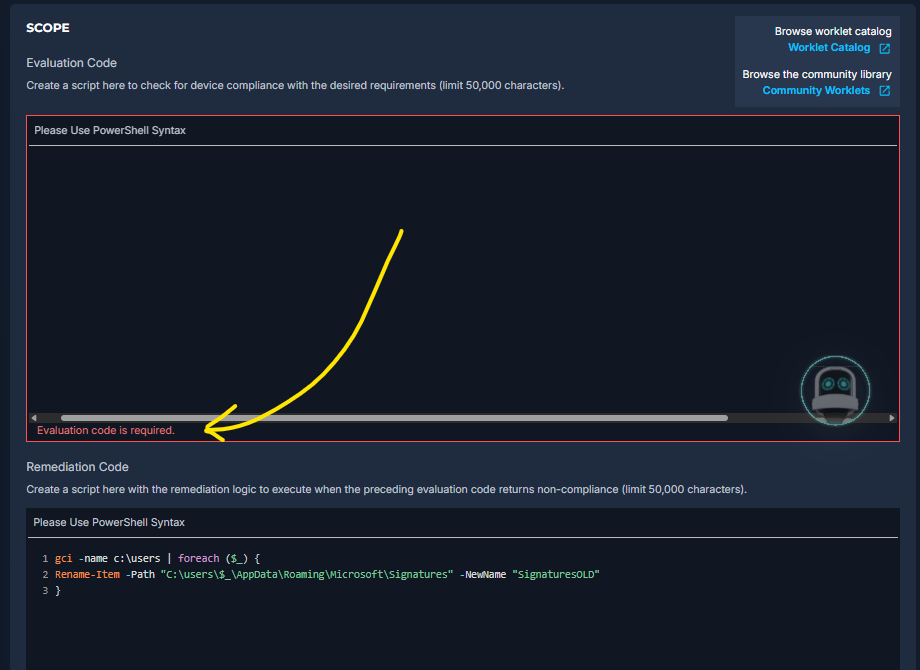
Hi Mark, i have given that a try but it is erroring saying Evaluation Code is required, any ideas?


Forum|alt.badge.img

We can skip the eval code by typing ‘exit 1’ or ‘exit 0’.

It is only used if you want to routinely detect and modify an endpoint, in this case its really a one-time use case, so we statically skip the eval code.

Regards,

Mark