
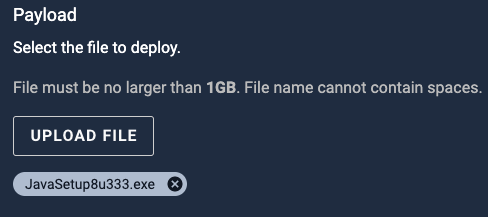
For powershell experts: I’m trying to customize the Java worklet in the catalog to install Java to non-default custom path. Using Argument-list INSTALLDIR seems to be erroring out. Anyone has the correct syntax to use in the Remediation script (Start-Process)
Start-Process "$env:windir\Temp\$javaInstallFile" -ArgumentList "/s REBOOT=0 SPONSORS=0" -Wait
What can I add to the above line so Java gets installed in path D:\Java ?? Thanks!

Question
Java install with a custom destination path

Login to the community
No account yet? Create an account
Enter your E-mail address. We'll send you an e-mail with instructions to reset your password.