

Tip of the day: Two Factor Authentication for your community account
Nic-Automox
August 23, 2019 at 6:09 pm UTC
This community platform supports two factor authentication. If you want to enable that, go to your preferences by clicking on your avatar in the upper right and then the gear icon.
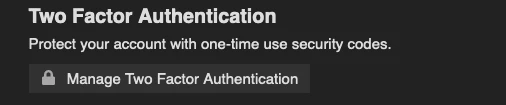
Once on your profile page, click on Manage Two Factor Authentication:
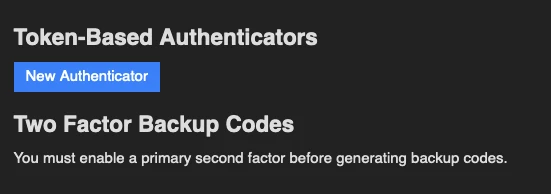
Then click on New Authenticator:
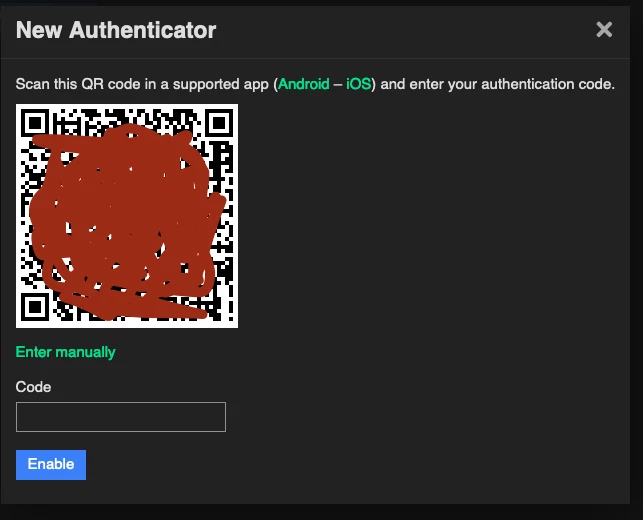
From there scan the QR code in the supported MFA app of your choice and away you go!
This discussion is archived and closed to replies. Continue it in the Automox Community Slack.
Discuss on Slack