Remote lock workstation and change user's password
Stambo-Automox
October 1, 2021 at 5:10 pm UTC
This worklet changes the local user’s password and logs them out of the computer. This is useful in instances where there is security risk or an abrupt/unexpected termination.
Evaluation
exit 1
Remediation
powershell38 lines
#Credit for parts of this script go to Progress

$logoutReset = {
    #Set the username that should have its password changed and sessions logged off on the targeted workstations
     $user = 'jeff'
     $password = 'y0urn3wPa$$woRd_heR3'

     #
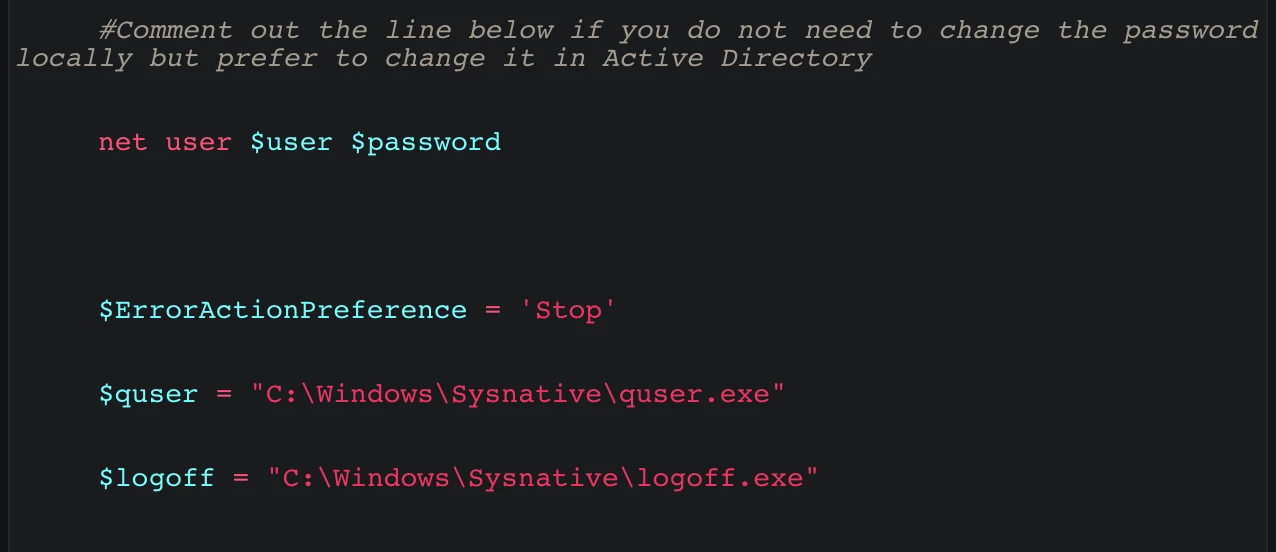
     #Comment out the line below if you do not need to change the password locally but prefer to change it in Active Directory
     net user $user $password

     $ErrorActionPreference = 'Stop'
     $quser = "C:\Windows\Sysnative\quser.exe"
     $logoff = "C:\Windows\Sysnative\logoff.exe"

     try {
         ## Find all sessions matching the specified username
         $sessions = & $quser | Where-Object {$_ -match $user}
         ## Parse the session IDs from the output
         $sessionIds = ($sessions -split ' +')[2]

         ## Loop through each session ID and pass each to the logoff command
         $sessionIds | ForEach-Object {
             Write-Host "Logging off session id [$($_)]..."
             & $logoff $_
         }
     } catch {
         if ($_.Exception.Message -match 'No user exists') {
             Write-Host "The user is not currently logged on."
         } else {
             throw $_.Exception.Message
         }
     }
     return $user
 }

 & $logoutReset
 Write-Output "User" $user "password changed and workstation locked."
This discussion is archived and closed to replies. Continue it in the Automox Community Slack.
Discuss on Slack