Question

Patching CLI tools

  • April 21, 2026
  • 1 reply
  • 5 views

Hello everyone - just wanted to see how everyone else is managing CLI tools via Automox? How are you patching tools such as Python, git, etc.. If they were installed manually or installed using a package manager such as Homebrew, how are you patching them? Do you have any worklets that you can share? Unfortunately, I am not a scripting guru but I can always ask AI how to or if we can even patch these tools using a script. The other problem is, determining how the tool was installed (if it’s via a pkg or a package manager) and then implement a patching solution from there. Thanks in advance!

1 reply

Forum|alt.badge.img
  • Automox Employee
  • April 21, 2026

Hi enzo_09,

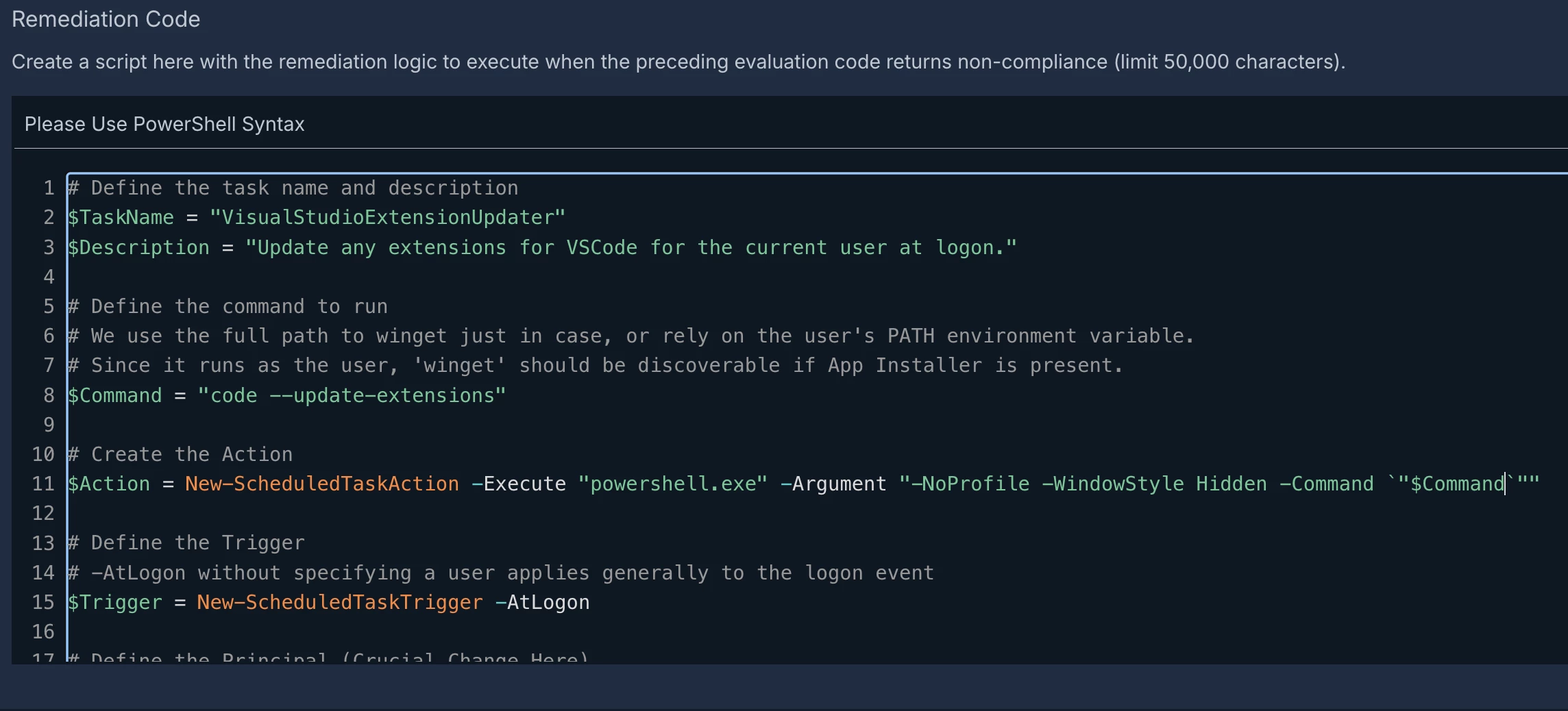
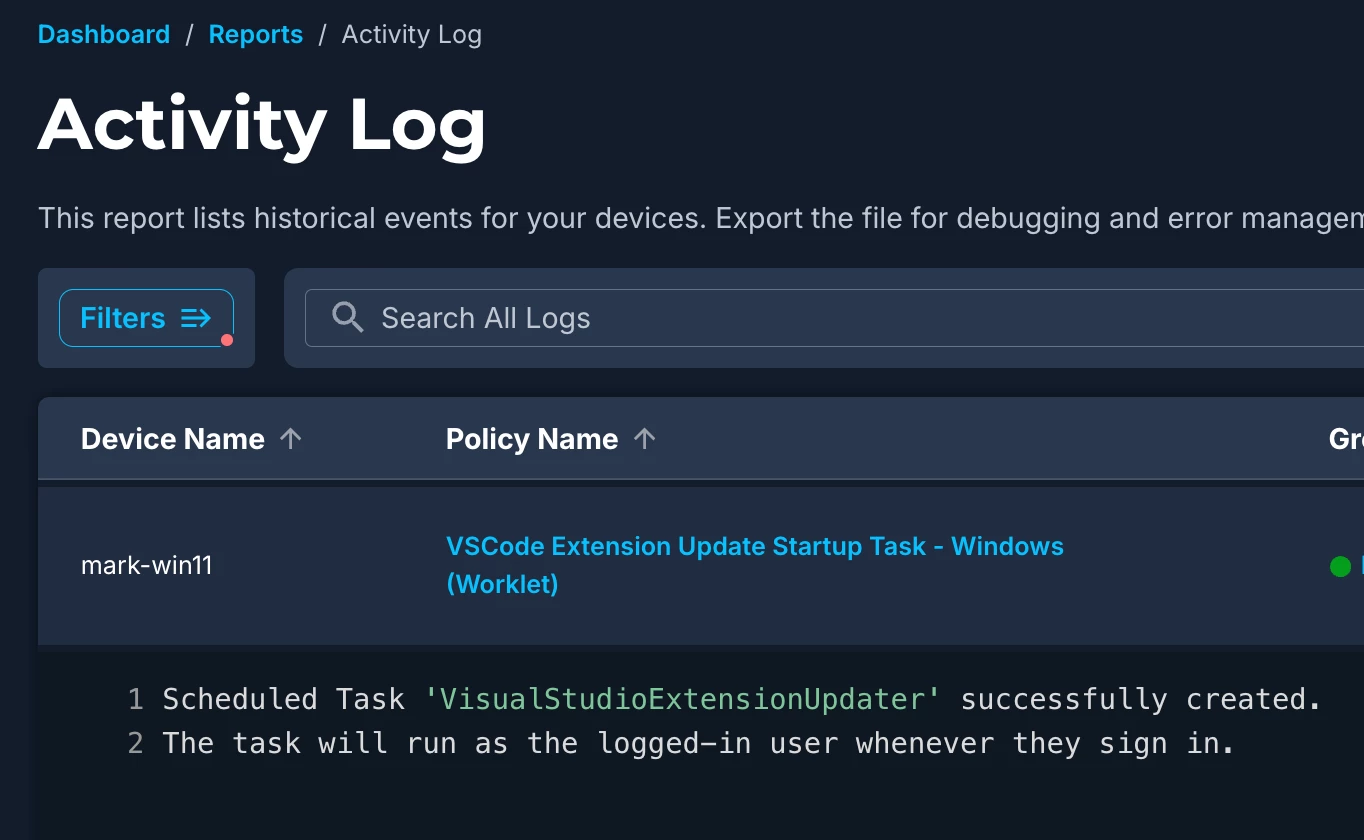
Often I will employ startup-tasks, executed on login, for user environment tasks. Heres an example where I invoke a CLI vscode command to update its extensions (which Automox doesn’t natively handle, so 2 birds with 1 stone):


Where possible, I utilize the applications built-in commands (like the above) so I don’t have to worry about deploying an actual package/payload.
A similar approach can be taken with Brew, where the logon task command would be:
brew upgrade --cask
 

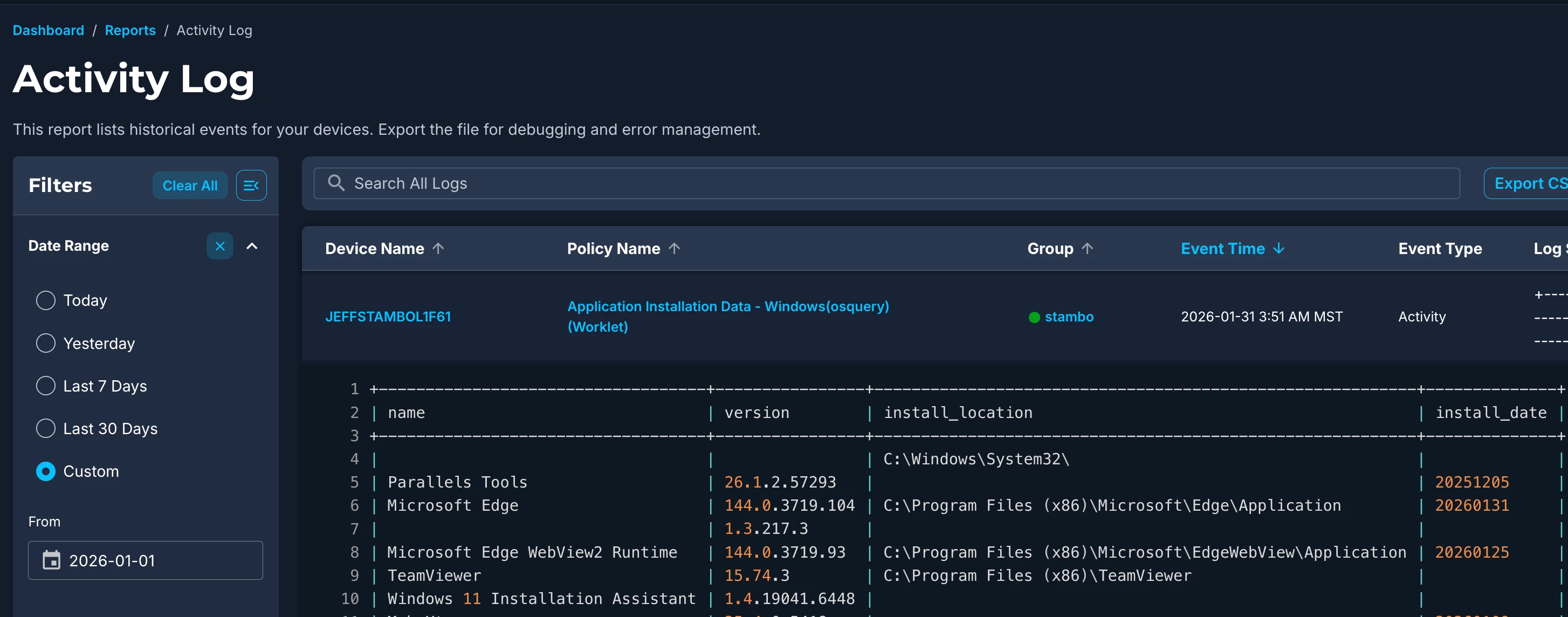
To an overview of all apps, installed directory detail, and install space, you can issue an OSquery command, which is built into our agents, like this for everything:

osqueryi.exe "SELECT name,version,install_location FROM programs;"


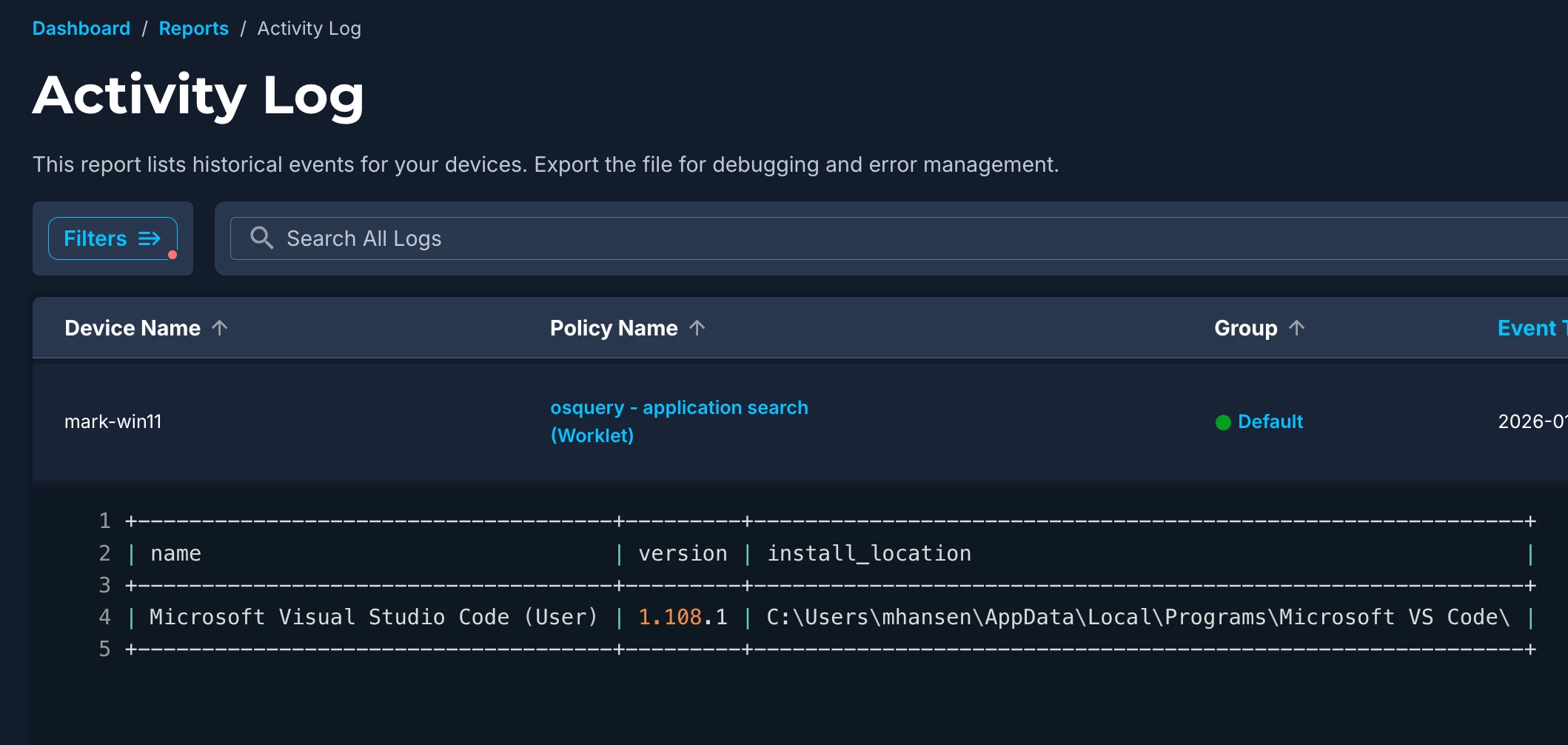
Or like this for user scoped out applications only:

osqueryi.exe "SELECT name,version,install_location FROM programs WHERE install_location LIKE '%users%';"
Worklet screenshot, no need for Eval code (exit 0)

The directory can vary if it was installed by a package manager vs stand alone installs.

Let me know if you have any other questions or comments.

Regards,

Mark